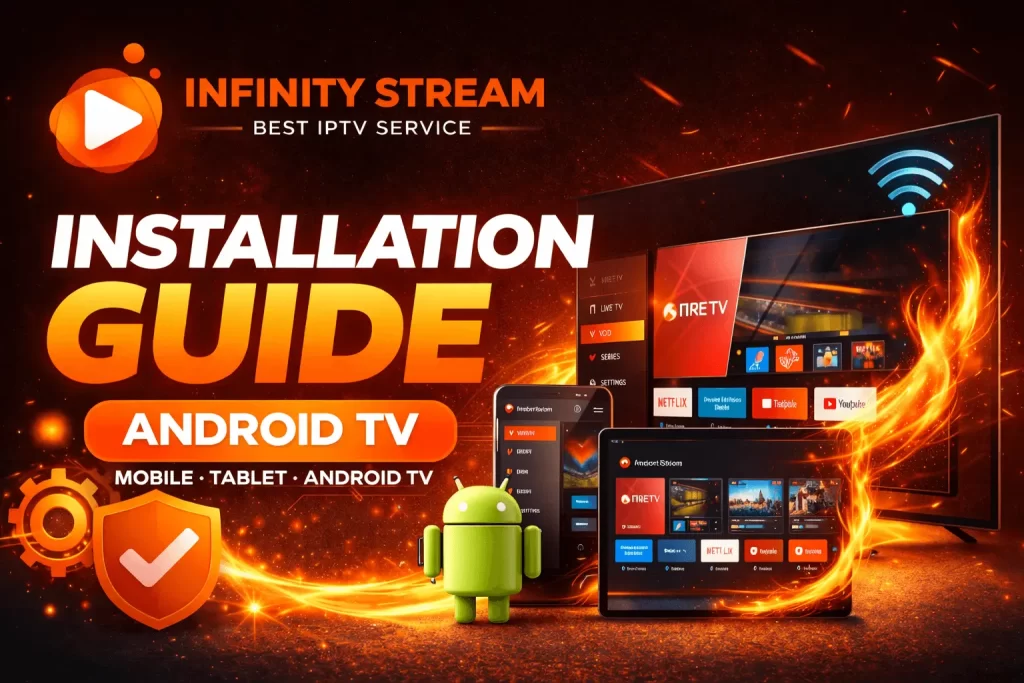
Installing IPTV on Android devices is quick and beginner-friendly when you follow the right steps. Whether you are using an Android TV, smartphone, or tablet, this guide will show you how to download, install, and configure the most popular IPTV apps using Infinity IPTV credentials. With a stable internet connection and the correct player, you can start watching live channels, movies, and series within minutes.
Android is one of the most flexible platforms for IPTV streaming because it supports many reliable applications directly from the Google Play Store or via safe downloads. This Android IPTV installation guide focuses on smooth setup, app compatibility, and stable playback so users can avoid buffering issues and login errors.
Table of Contents
Before You Begin
Prepare the following:
- Android TV, smartphone, or tablet
- Stable internet connection
- Infinity IPTV login details
- Access to Google Play Store or Downloader app
Having these ready ensures faster configuration and fewer interruptions.
Recommended IPTV Apps for Android
Android supports multiple IPTV players, each offering different features and layouts. The most commonly used apps are:
- Smarters Pro – User-friendly and feature rich
- XCIPTV – Lightweight with fast channel switching
- IBO Player Pro – Clean interface and reliable playback
- TiviMate – Advanced customization and EPG support
- Purple Player – Simple and smooth design
- YouTivi Player – Quick activation and easy navigation
All these applications work well with Infinity IPTV credentials and are available on most Android devices.
Installation Steps – Android TV
- Turn on your Android TV.
- Open the Google Play Store.
- Search for your preferred IPTV app.
- Click Install and wait for completion.
- Open the app and select login method.
- Enter username, password, and server URL.
After login, categories such as Live TV, Movies, and Series will load automatically.
Installation Steps – Android Mobile & Tablet
- Open Google Play Store.
- Search for Smarters, XCIPTV, or any preferred player.
- Tap Install.
- Launch the app after download.
- Choose Xtream Codes Login or Playlist URL.
- Enter your Infinity IPTV details.
Within seconds, channels and on-demand content will appear.
Optional – Install via Downloader
If an app is not available in your region:
- Install Downloader from Play Store.
- Enter the app’s download code or URL.
- Download and install manually.
This method is often used for advanced players like TiviMate.
Troubleshooting Tips
If playback is slow or channels fail to load:
- Restart the device
- Check Wi-Fi stability
- Clear app cache
- Re-enter credentials carefully
- Update the app to the latest version
Most streaming issues are solved with a quick restart or credential correction.
Support & Assistance
If you need help with installation or updated login details:
Website: https://infinitystreamiptv.com/
WhatsApp: https://wa.me/447446191096
Following this Android IPTV installation guide ensures smooth setup on TVs, mobiles, and tablets while giving you flexibility to choose the best IPTV app for your viewing preferences. Proper configuration guarantees faster loading, stable streaming, and uninterrupted entertainment across all Android devices.